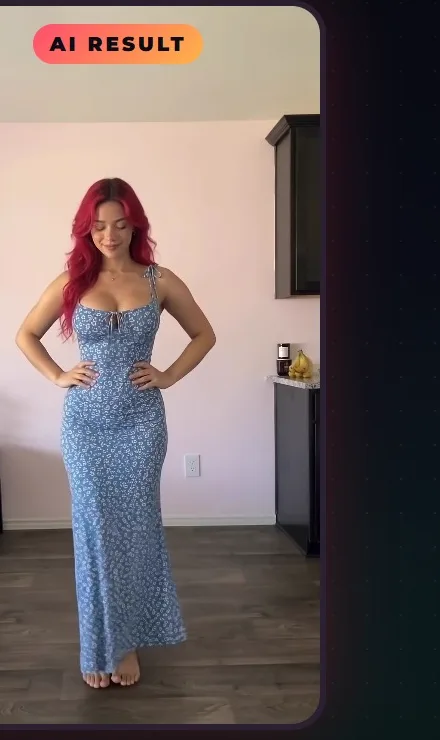
AI motion transfer gives the exact moves of a short reference video to an AI character: the same walk, the same pose, a completely different person. This guide shows how to do it for free in Google Flow with AutoFlow Motion, without Higgsfield or a paid subscription, and a simple 7-day plan to turn it into TikTok Shop content.
What AI motion transfer is
Motion transfer (also called motion control) uses a real video as the movement reference and renders your AI character performing it. It is how creators make AI outfit videos, product try-ons and character remakes of viral clips without filming themselves.
Is it really free?
When we checked in October 2026, Google Flow gave 50 credits a day with no subscription, and editing an uploaded video with Gemini Omni Flash cost 40 credits, so one motion transfer a day fit in the free credits. Free accounts were 720p (no 1080p upscaling) and could not always generate at peak hours (about 2–5 PM UTC). Limits change, so check Google's Flow help page. Gemini Omni 1.1 Flash leaves Flow on December 5, 2026; see Flow's new models.
Step 1: build your character reference
One clear picture of your character, same face and same outfit, is enough. Reuse it for every video so your account has a recognisable face.
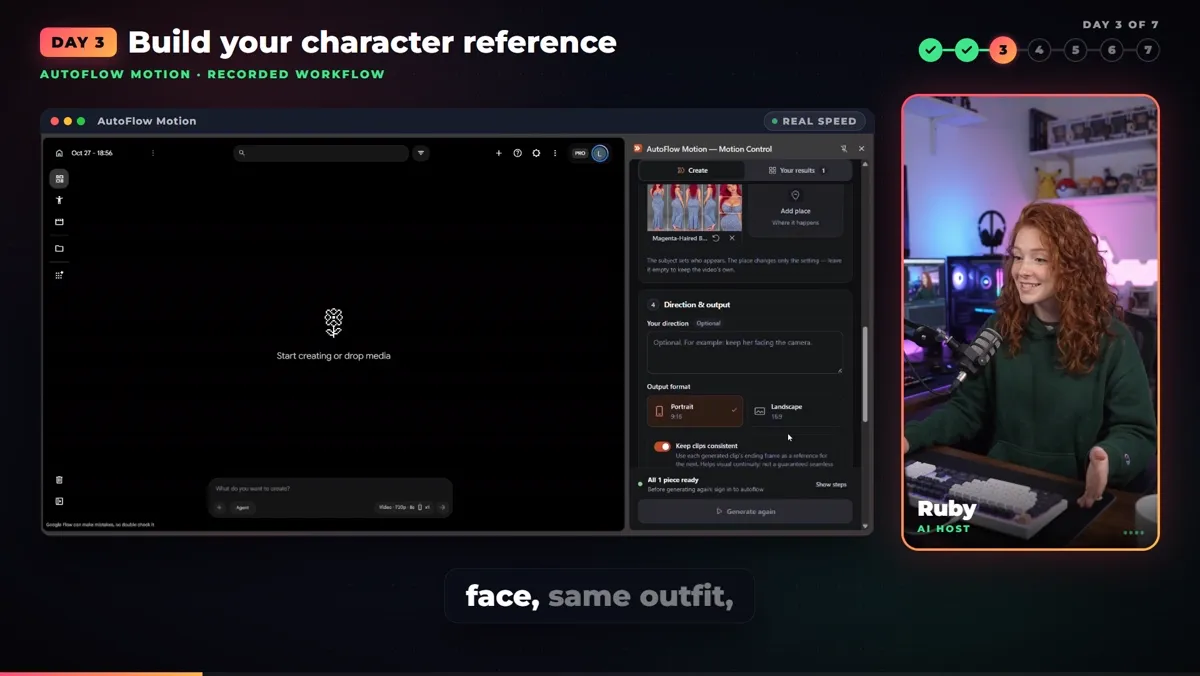
Build your character reference once.
Step 2: start the automated workflow
Open AutoFlow Motion next to Google Flow, add the reference video and the character, confirm the handoff, and leave the rest to the automation.
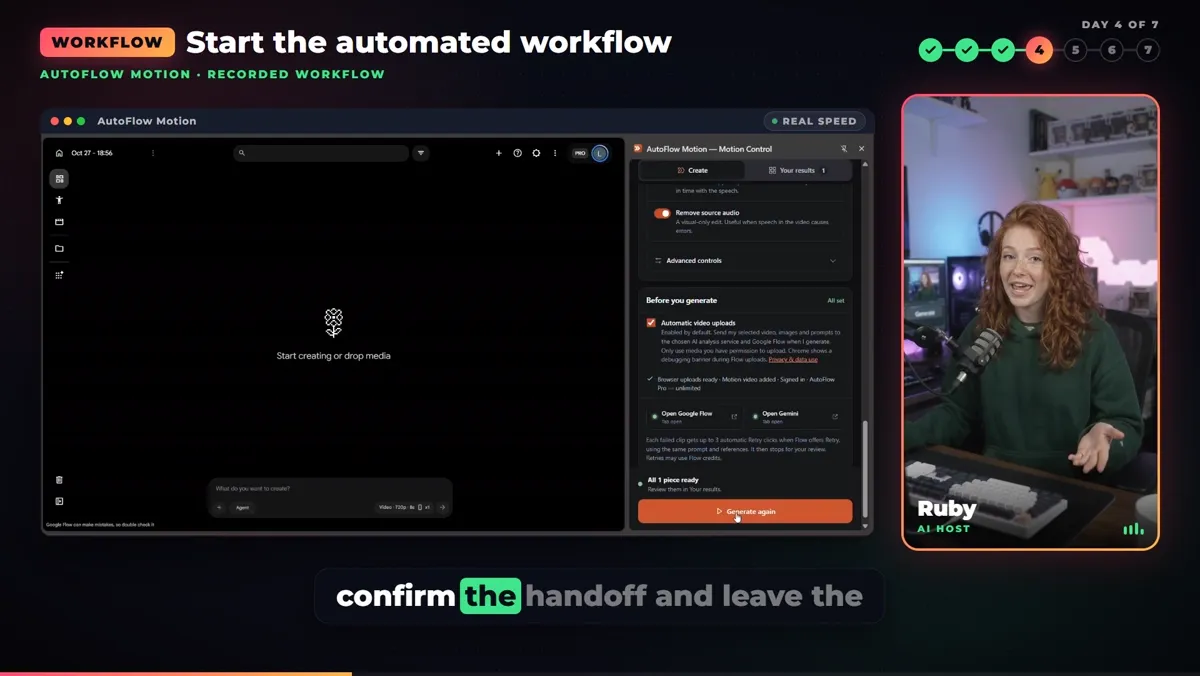
Confirm the handoff and let it run.
Step 3: Gemini writes the motion instructions
Gemini watches the reference video and writes the motion instructions, so you are not describing every movement by hand.
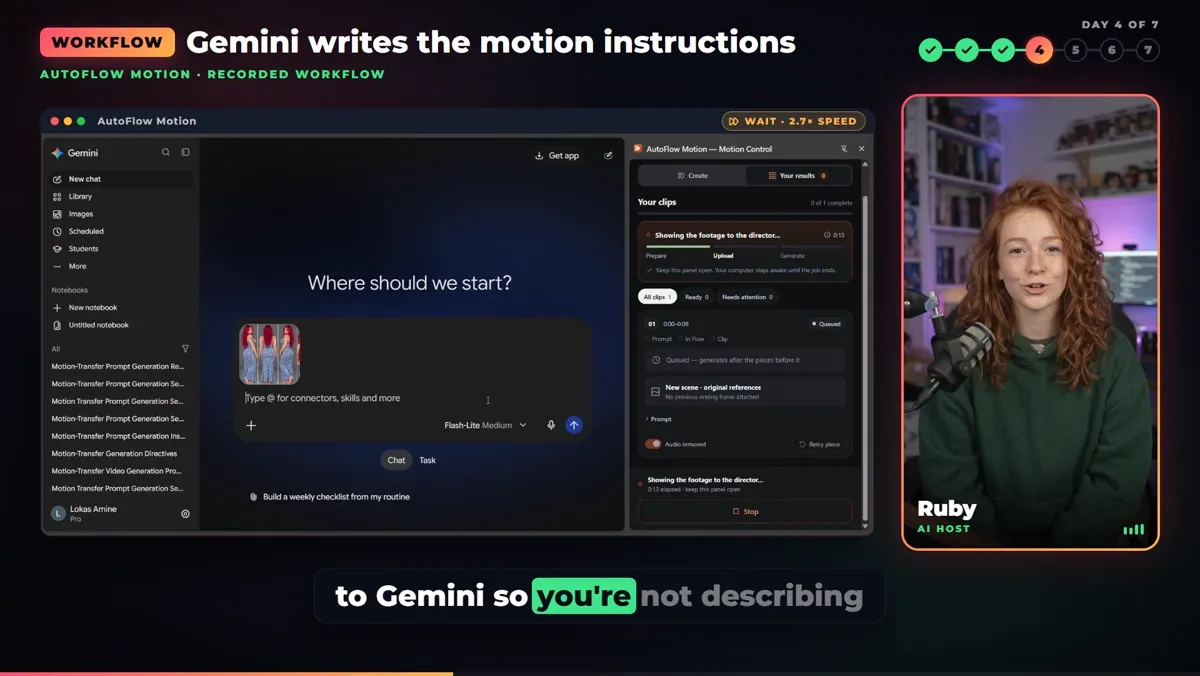
Gemini writes the motion instructions.
Step 4: the automatic handoff to Google Flow
AutoFlow Motion hands the job to Google Flow and starts the generation. While it renders, plan your next hooks: the first second decides whether anyone watches.
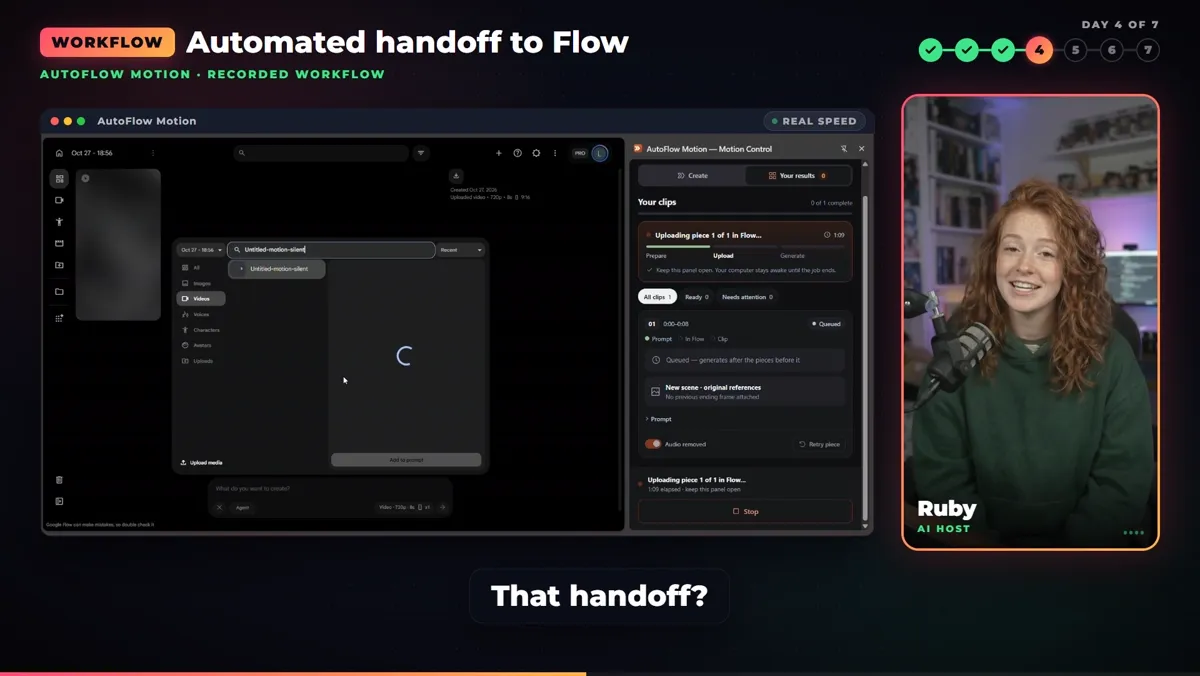
Automatic handoff to Flow.
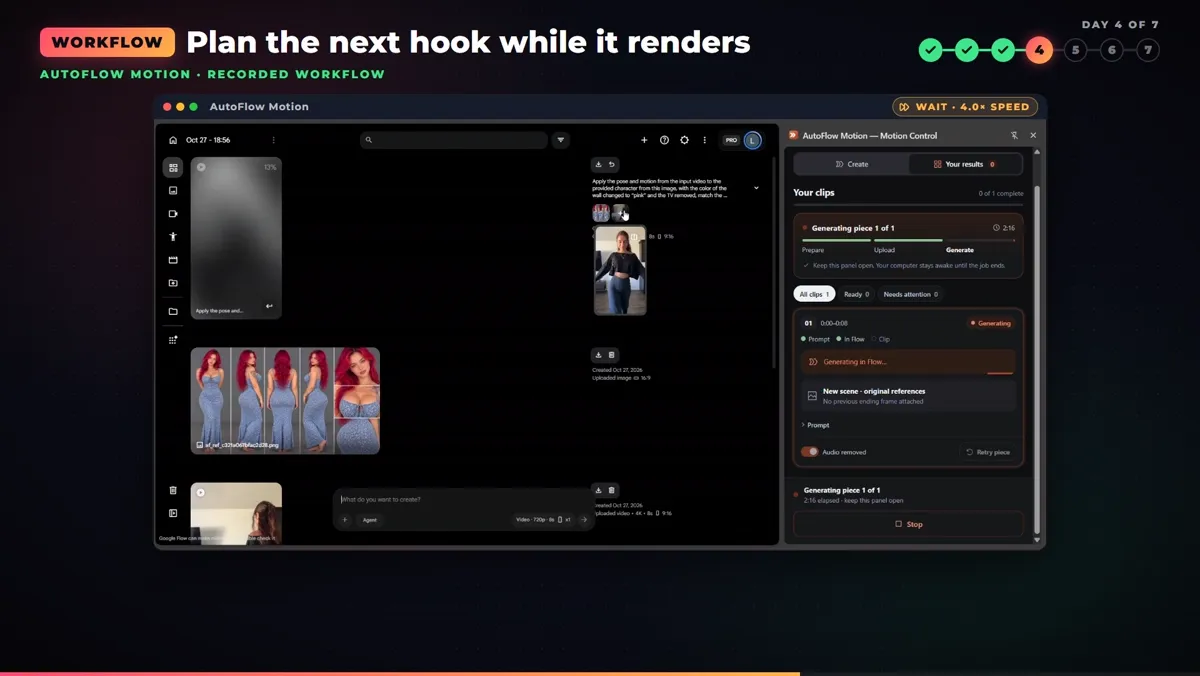
Plan the next hook while it renders.
Step 5: review every take and download
Check the face, the hands and the product in every take before you keep one. Then download the version you reviewed.
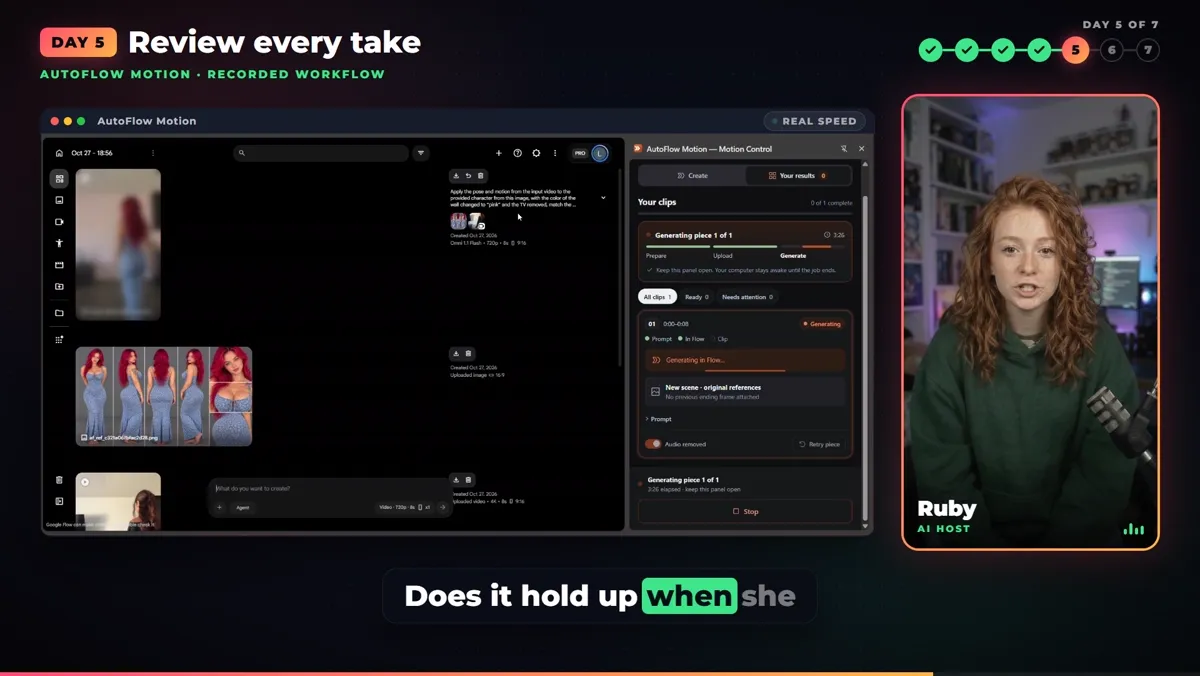
Review every take: face, hands, product.
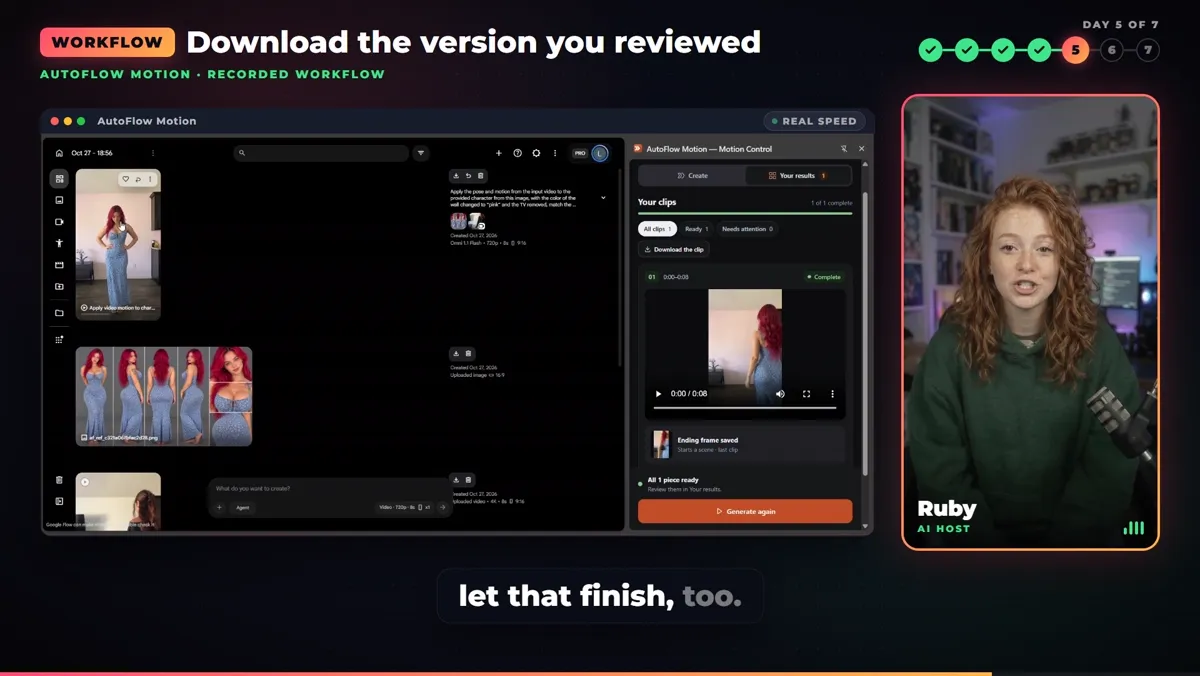
Download the version you reviewed.
The 7-day TikTok Shop plan
- Day 1: check your TikTok Shop access and apply.
- Day 2: choose one real product you understand.
- Day 3: build your character reference.
- Day 4: create your first video and keep the product accurate.
- Day 5: review every take.
- Day 6: add your caption and call to action.
- Day 7: publish if you are approved.
Already approved with your assets ready? Work through it sooner; a week is the plan, not a deadline. Label realistic AI content and turn on promotional disclosure when you promote a product.
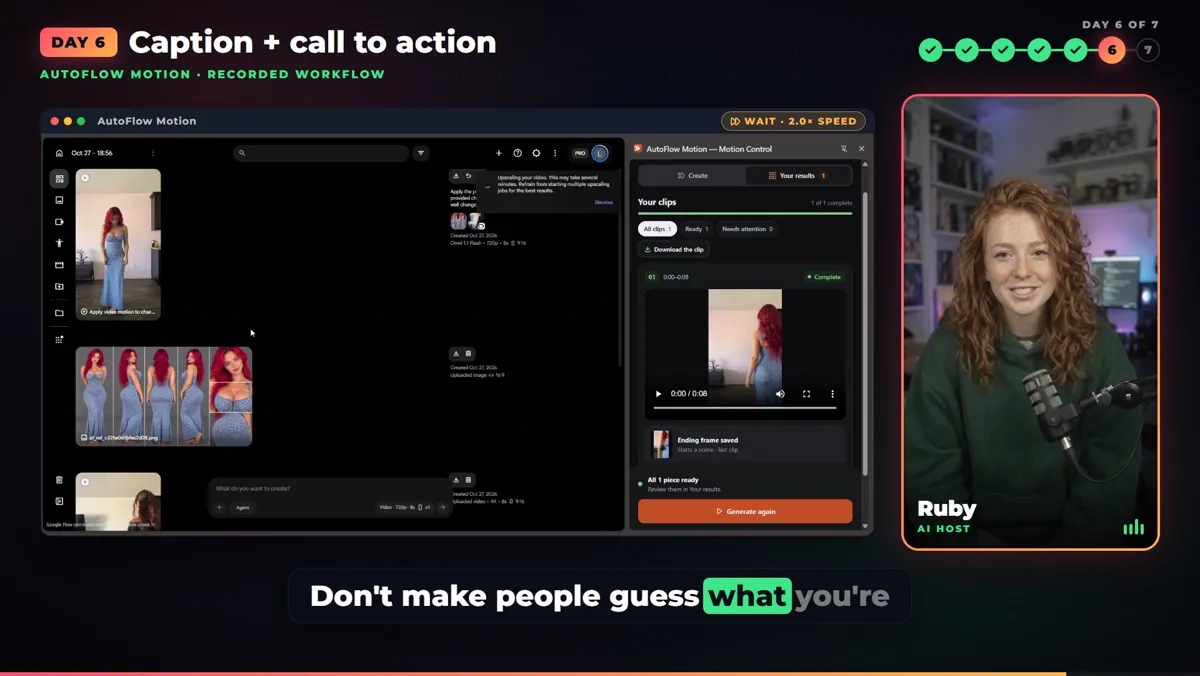
Day 6: one clear benefit, one call to action.
❓ Frequently Asked
Is AI motion transfer in Google Flow really free?
Google Flow gave 50 credits a day with no subscription when we checked in October 2026, and editing an uploaded video with Gemini Omni Flash cost 40 credits, so one motion transfer a day fit in the free credits. Free accounts were 720p and could not always generate at peak hours. Prices and limits change; check Google's Flow help page before you plan around them.
Is this a Higgsfield alternative?
For copying the moves of a short reference video onto your own AI character, yes: AutoFlow Motion runs the whole motion transfer inside Google Flow, without a Higgsfield subscription. Higgsfield has other tools this workflow does not replace.
What does AutoFlow Motion do?
It takes your reference video and a character reference, has Gemini write the motion instructions, hands the job to Google Flow automatically, and lets you review and download the result, all from a side panel next to Flow.
Can I use AI motion transfer for TikTok Shop?
You can make the videos, but TikTok Shop approval, product choice and publishing are separate steps. Represent the product accurately, label realistic AI content, and turn on promotional disclosure when you promote a product.
How do I keep the character the same in every video?
Build one character reference (a clear front view, or a full turnaround sheet) and reuse it for every video. The same face and outfit across posts is what makes viewers recognise the account.
The outfit clip shows the editing method; it is not proof of how any product looks, fits or performs. Use reference footage you own or have permission to use. Ruby and the character result are AI-generated.